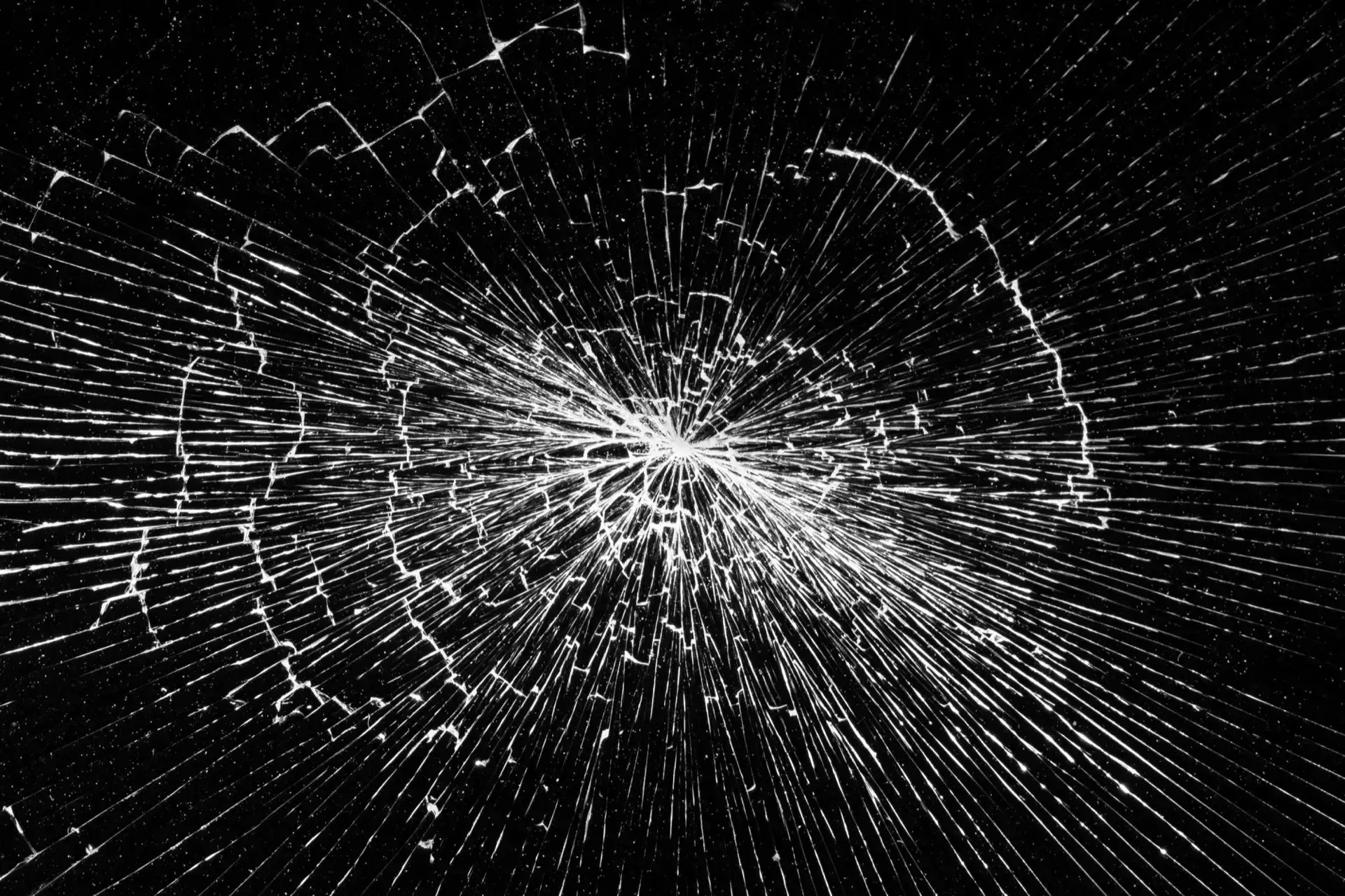
Broken Screen Prank Simulator
Core Online Display Utility Modes
Broken Screen Prank
Pretend your display is broken
Monitor Glitch Tool
Realistic GPU failure simulator
LCD Crack Utility
Visual glass damage patterns
Safe Prank Tool
Zero-damage harmless fun
Simulate a high-precision broken screen prank with highly realistic LCD panel damage, glass cracks, or GPU failure glitches. The broken screen prank is the ultimate professional online tool page for a harmless digital joke on friends, family, or colleagues. The broken screen prank cracked screen image background looks devastatingly real and convincing.
Why Use the Realistic Broken Screen Prank Simulator?
Our professional online broken screen prank tool is designed with high-fidelity visual effects to create the most convincing "monitor disaster" scenario. The broken screen prank display page background is optimized for maximum shock value and realistic LCD damage simulation.
- Realistic Digital Crack Patterns with Broken Screen Prank: Features visual textures that perfectly mimic shattered glass displays, internal liquid crystal impact damage, and spiderweb cracks seen on dropped laptop or phone screens. The broken screen prank cracked image wallpaper looks authentic.
- Dynamic Monitor Glitch & Stripe Utility with Broken Screen Prank: Includes random color stripes, flickering noise, and pixel-distorting patterns that simulate a failing graphics card (GPU), loose display cable, or critical hardware error on your broken screen prank background.
- Hardware Failure Visual Diagnostic for Broken Screen Prank: Our broken screen prank tool creates distorted pixel regions and "dead zones" that appear as though the monitor is undergoing a catastrophic hardware failure in real-time on a blank page.
- Broken Screen Prank Wallpaper & Image: Use our broken screen prank cracked screen image as a prank desktop wallpaper, or screenshot the broken screen prank page for sharing.
- Zero-Distraction Full Screen Broken Screen Prank Mode: Works in system-level fullscreen mode to completely hide your browser UI, ensuring the broken screen prank page looks 100% authentic and integrated into the display hardware.
How to Pull Off the Perfect Office Broken Screen Prank
Want to scare your coworker or make your friend think they broke your TV with a broken screen prank? This broken screen prank is perfect for office fun.
- Set the Stage: Wait for your target to leave their desk or the room for your broken screen prank.
- Launch the Simulator: Open this broken screen prank page on their computer or TV.
- Go Full Screen: Click the button to hide the browser. The screen now looks like it has been smashed by a baseball bat with authentic broken screen prank effects.
- The Reveal: When they return, act shocked. "Oh no, what happened to your screen?!" Watch their face drop before you reveal the broken screen prank is just a website. Ideally suited for April Fools' Day or a harmless broken screen prank office joke.
How to use the Broken Screen Prank Utility
- Open the broken screen prank simulator page on your target device for realistic damage simulation.
- Click the Full Screen button to remove the browser navigation and taskbars, displaying the blank broken screen prank cracked screen background.
- Watch as the victim panics at the sight of highly realistic LCD damage and monitor glitches in your broken screen prank full-page image.
- Switch damage styles: Use Arrow Keys ←/→/↑/↓ to cycle through 3 different broken screen prank images (monitor crack variants + phone-style crack).
Pro Tip: Pair this broken screen prank with a loud "thud" sound or a physical object placed near the monitor for a truly convincing broken screen prank background experience!
Display Calibration & Professional Monitor Test Insights
Professional-grade color accuracy starts with a pure bright white screen for light. Whether you are calibrating sRGB/DCI-P3 color gamuts or performing a full monitor test for backlight uniformity, our tool provides a 100% clean online canvas to identify display clouding, tinting, or screen burn-in issues.
For remote workers, a bright white screen lighting tool serves as an excellent budget-friendly bias light softbox. It fills in shadows during Zoom, Teams, or Google Meet video calls, improving your webcam's white balance without an external ring light device.